 25°C
25°C

How to Report a Scam Website to Google in the Dominican Republic
People in the Dominican Republic who encounter a website that appears designed to steal personal or financial information can report it to Google Safe Browsing, helping the service identify potentially dangerous pages and warn other users.


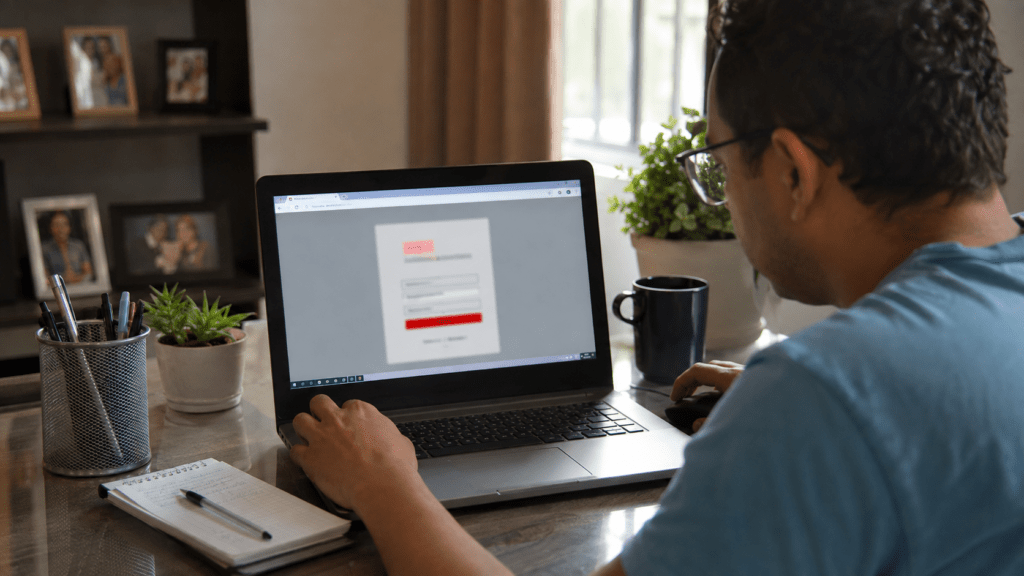
Online scams can spread quickly when fraudulent websites imitate banks, government services, businesses, payment platforms or other trusted organizations. In the Dominican Republic, users who encounter a suspicious page can report it to Google Safe Browsing, Google’s system for identifying websites associated with phishing, malware and other forms of social engineering.
The reporting process is intended for pages that may put users at risk. Google says Safe Browsing is designed to protect people from threats such as malware, unwanted software and deceptive websites that attempt to trick visitors into revealing sensitive information.
How to Report a Suspicious Website
The first step is to copy the exact URL of the suspicious page. Users should report the specific address where the potentially fraudulent activity occurs rather than relying only on the website’s main domain when a particular page is responsible for the scam.
The report can then be submitted through the Google Safe Browsing phishing report form. The submission allows Google to receive information about a page that may be unsafe and review it under its Safe Browsing systems.
This can be particularly useful when a fraudulent website is impersonating a legitimate organization or attempting to obtain passwords, banking information, card details or other personal data. Reporting the page gives Google additional information that can be used as part of its efforts to identify harmful websites.
What Happens After a Report
Submitting a report does not mean that a website will automatically be taken offline. Safe Browsing is primarily designed to identify dangerous websites and provide warnings to users when Google determines that a site presents a relevant security threat.
Google also explains that information submitted through its reporting systems may include certain account and system information. The company says this data is used to protect Google products, its infrastructure and users from potentially harmful content. Information about reported sites may also be reflected in Google’s transparency reporting.
When a Report May Be Appropriate
A report is especially relevant when a website appears to be involved in phishing, malware distribution or deceptive social engineering. Examples can include fake login pages, fraudulent payment forms or websites designed to impersonate a trusted service in order to obtain sensitive information.
Users should avoid entering passwords, banking credentials, identification numbers or payment information into a suspicious website simply to gather evidence. The safest approach is to preserve the URL and other relevant details without interacting further with the potentially fraudulent page.
Why Reporting Matters for Dominican Users
A fraudulent website can target people in the Dominican Republic regardless of where its operators or servers are located. A fake banking page, government-service website or online shopping platform can potentially reach users through search results, messages, advertisements or shared links.
Reporting suspicious pages can therefore contribute to broader online safety. Google Safe Browsing operates across Google products and helps protect billions of devices by displaying warnings when users attempt to access websites that have been identified as dangerous.
For anyone who encounters a suspected scam, reporting the page to Google is one step that can help alert the broader online ecosystem. Users who have already lost money or disclosed sensitive information should also contact the relevant bank, financial institution, company or authorities rather than relying solely on a Safe Browsing report.