 27°C
27°C

Sisap Warns of Rising Screen Overlay Attacks Targeting Android Users
A growing cyber threat known as the screen overlay attack is allowing criminals to steal banking credentials and other sensitive data through fake app interfaces, with Android users facing the greatest risk, according to technology firm Sisap.


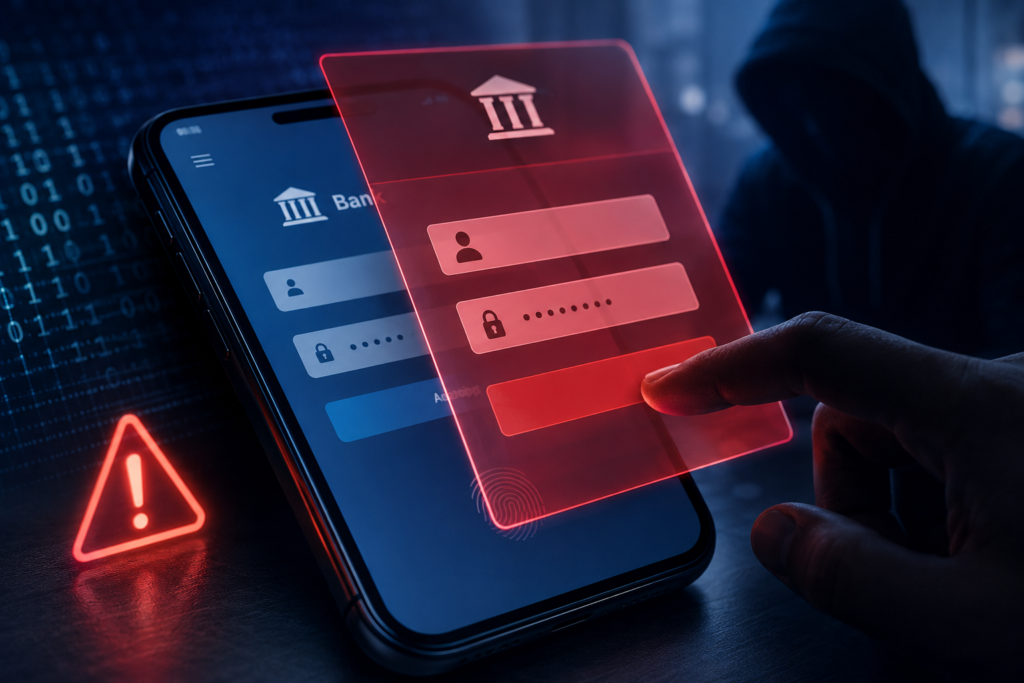
Sisap has warned about the increasing use of screen overlay attacks, a cybercrime technique that enables attackers to capture sensitive information from mobile devices by displaying fraudulent screens over legitimate applications. The company said the method is becoming a growing concern because victims often remain unaware that their data is being stolen.
According to Sisap, the attack relies on malicious software that overlays fake login screens on top of trusted mobile apps. When users enter usernames, passwords, banking credentials or other confidential information, the data is transmitted directly to cybercriminals without raising immediate suspicion.
How Screen Overlay Attacks Work
Unlike traditional phishing campaigns that rely on deceptive emails or fake websites, screen overlay attacks take place directly on the victim’s device. Sisap explained that the malware often gains accessibility permissions or elevated privileges, allowing it to monitor user activity and display counterfeit screens precisely when a targeted application is opened.
“Screen overlay attacks represent an evolution of traditional digital fraud techniques,” said José Amado, manager of Sisap’s Digital Identities practice. “Rather than simply tricking users through fake emails, attackers infiltrate mobile devices and exploit the trust people place in the applications they use every day.”
The company noted that this attack method primarily affects devices running the Android operating system, where malicious applications may obtain permissions that facilitate this type of fraud.
How Users Can Reduce the Risk
To help prevent screen overlay attacks, Sisap recommends downloading applications only from official app stores and verifying the legitimacy of developers before installation. Users should also carefully review the permissions requested by apps, particularly those related to accessibility features and privacy.
Additional recommendations include keeping both the operating system and installed applications up to date, using security solutions capable of detecting suspicious behavior, enabling multi-factor authentication whenever available, and avoiding links received through emails, text messages or messaging apps that encourage the installation of software from unofficial sources.
Amado also emphasized the importance of cybersecurity awareness. “The best defense continues to be a combination of technology, continuous monitoring and education,” he said, encouraging users to remain alert for unusual behavior on their mobile devices, particularly when accessing banking or financial applications.